List what the screen depends on
A television rarely arrives alone. There may be a streaming device, games console, router, speakers and several controllers. Gather the actual equipment and note how it connects before choosing a cabinet. A unit that hides everything but blocks ventilation or remote signals is not a successful solution.
Check each device's instructions for clearance and placement. Include the plugs and cable bends behind it, not just the equipment's published dimensions. Leave access for maintenance and changes. Technology setups evolve, so an arrangement that can be opened and adjusted is more practical than one that permanently conceals every connection.
Position the screen for the seats
Choose the viewing position from where people sit most often. A screen placed high to align with surrounding art can become uncomfortable to watch. Sit down and test the intended height and angle before mounting anything. Consider reflections from windows and lamps at the times the television is normally used.
Wall mounting needs appropriate fixings, a suitable wall and compliance with the television and bracket guidance. If unsure, use a competent installer. A freestanding television also needs the stability measures specified by its maker, especially where children or pets may be present. A visually tidy arrangement should never compromise secure installation.
Give cables a planned route
Follow each lead from its device to its destination. Grouping and routing can make the view quieter, but keep connections accessible and avoid squeezing or sharply bending cables. Use products suitable for the job and follow electrical guidance. Do not run ordinary leads inside walls or improvise concealed wiring.
Often the simplest improvement is repositioning the cabinet so connections sit behind it naturally. If a cable must cross an open route, reconsider the equipment position. Decorative boxes are not automatically suitable for powered devices or adapters, particularly where heat can build up. Containment should support the equipment's operation rather than merely hide it.
Store the small things close by
Controllers, headphones and game cases can make a television wall look cluttered even when larger equipment is organised. Give them a drawer, shelf or container within easy reach. Keep the categories simple enough that everyone using the room knows where things return.
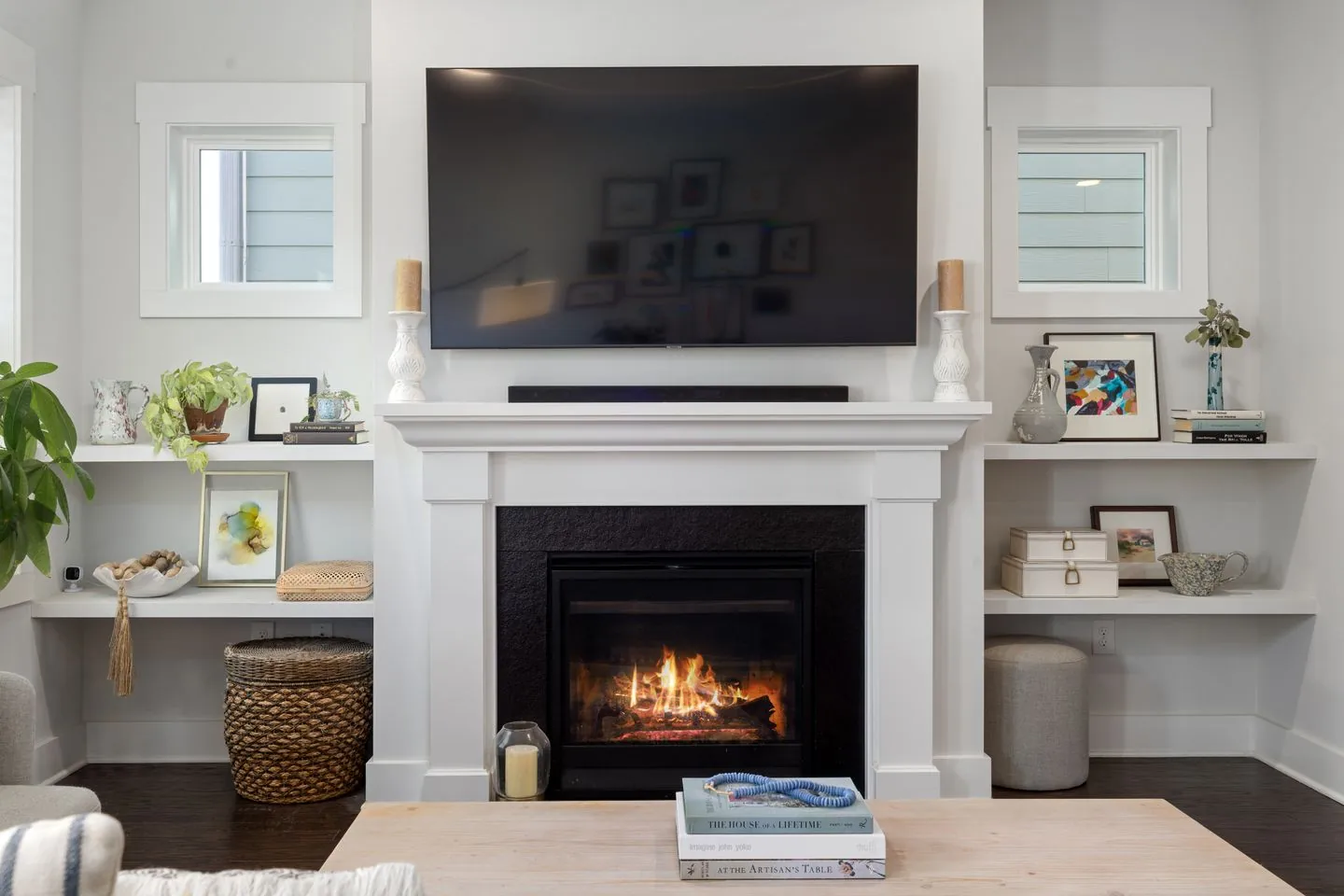
Avoid filling every open shelf with objects to balance the screen. Some empty space around a large dark rectangle can make the whole arrangement feel calmer. If display matters, choose a few substantial pieces rather than many small ones that compete with equipment lights, cables and remote controls. Leave enough room to dust around them without disconnecting equipment or moving the television.
Let the wall work when the screen is off
The television will remain visible, but it does not have to carry the wall's entire identity. A considered cabinet, a related wall colour or nearby artwork can integrate it into the room. Keep artwork placement comfortable in its own right rather than forcing a symmetrical ring around the screen.
Check the arrangement from the entrance and from the sofa with the television off. Then watch something and test sound, remote operation and access to controls. The best result balances both conditions: a calm part of the room during the day and a straightforward, comfortable setup when it is time to watch.
Contain what supports viewing and leave the remaining wall with a clear purpose.
A Swishover guide · Practical ideas to adapt to your own home.
Spotted something we should improve?